
Change the app icon
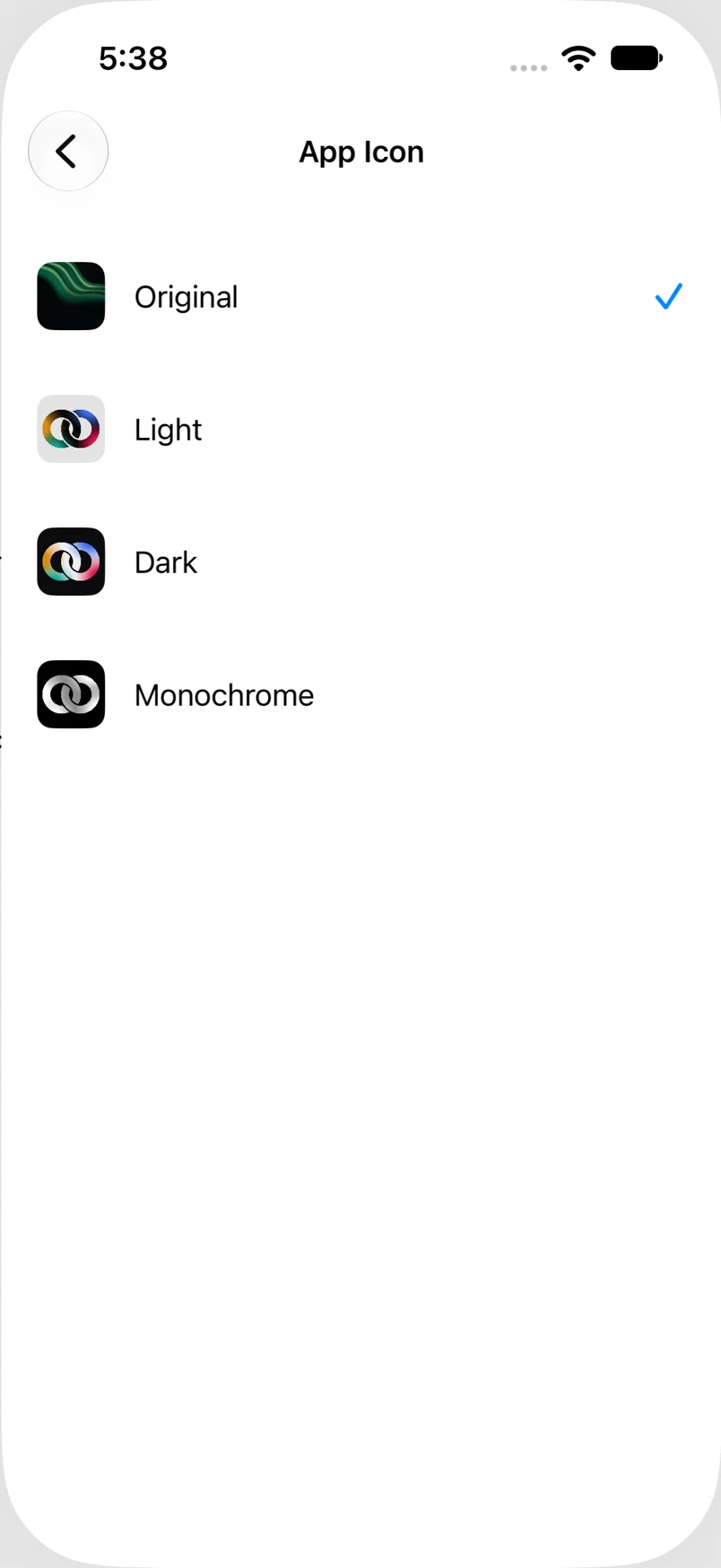
Choose an Oath icon from the available alternatives.
Oath Atmosphere · 1.0 (56)
Where to find it
Settings → Appearance → App Icon
How to do it
- Open App Icon from Appearance.
- Review the available icons.
- Tap the icon you want and wait for iOS to apply the change.
- Return to the Home Screen to find Oath with the selected icon.
Example addresses are for illustration. Do not send funds to them.