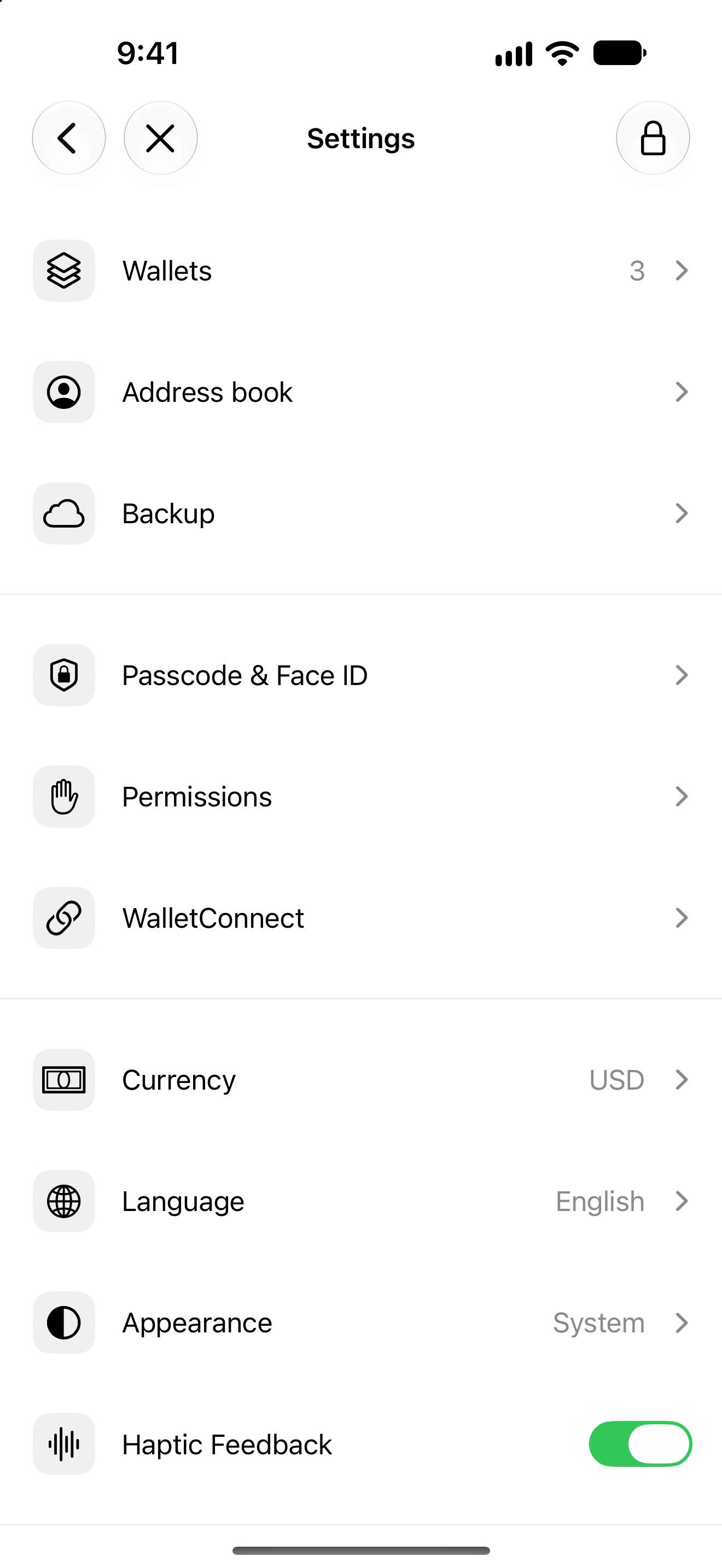
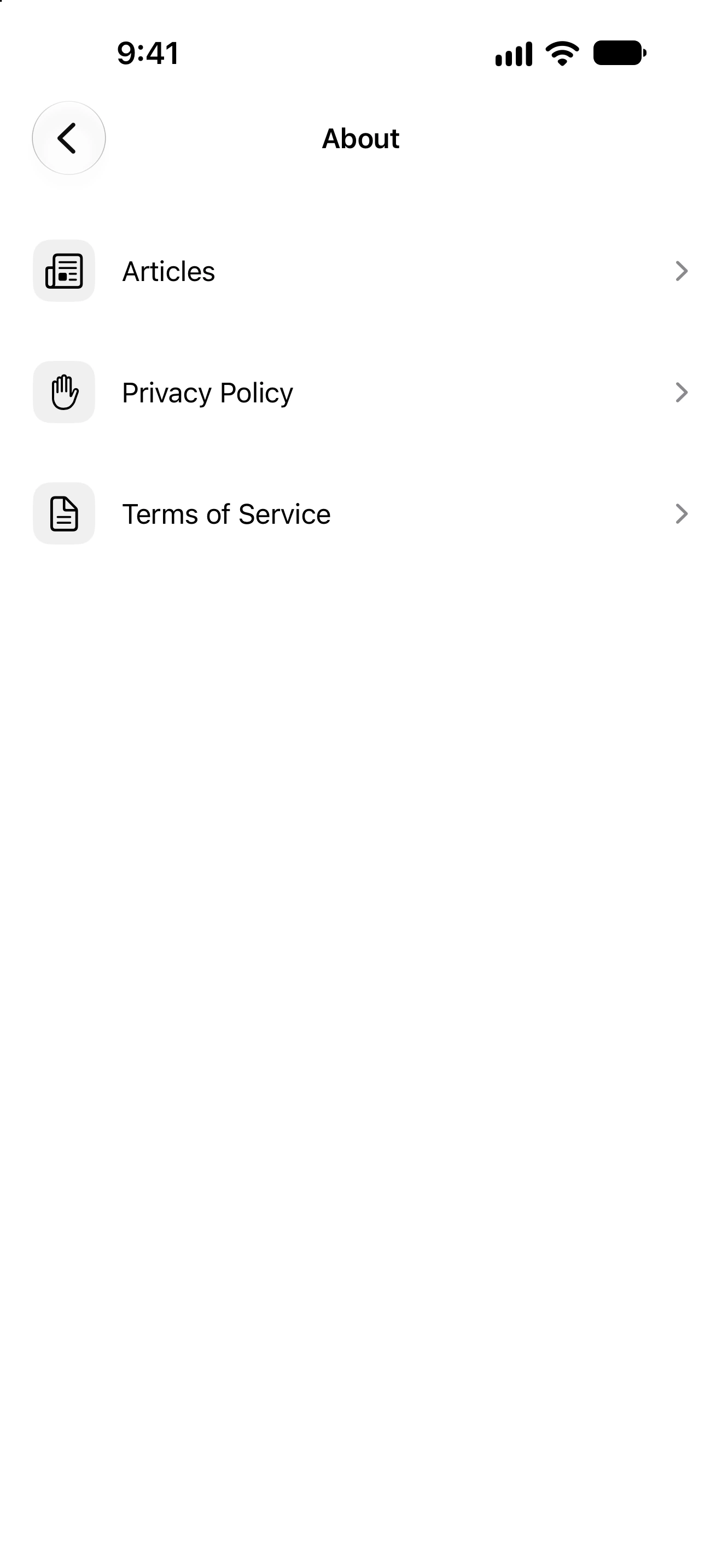
Find articles, privacy and terms
Open Oath’s published information from the About screen.
Guide checked for Oath 5.1.2 (112).
Settings → About
How to do it
- Open About in Settings.
- Choose Articles for release notes and longer reads, Privacy Policy for data practices, or Terms of Service for usage terms.
- Read the page in the in-app browser.
- Close the browser to return to Settings.
Return to the relevant screen to confirm the setting or saved entry. Canceling an edit should not be treated as an applied change.
Use the displayed version when reporting a bug or comparing a guide with your installed app. Older archived release articles can describe controls that have since changed.
Open the current Terms and Privacy Policy from the app when you need the applicable documents. A help article is usage guidance and does not replace those documents.
Follow along in Oath
Real app screens with illustrative demo data from historical captures. Current release: Oath 5.1.2 (112); appearance and available options may differ from the images. No live funds were sent, swapped or revoked for these examples. Never send funds to an example address. Tap an image to inspect it at full size.