Understand token logos and missing prices
Distinguish token identity, balance, artwork and market data when searching by contract or mint.
Oath 4.0.3
Wallet → Search → token address → asset
How to do it
- Paste the exact contract or mint address into asset search.
- Compare the network and full identity of every matching result before adding one.
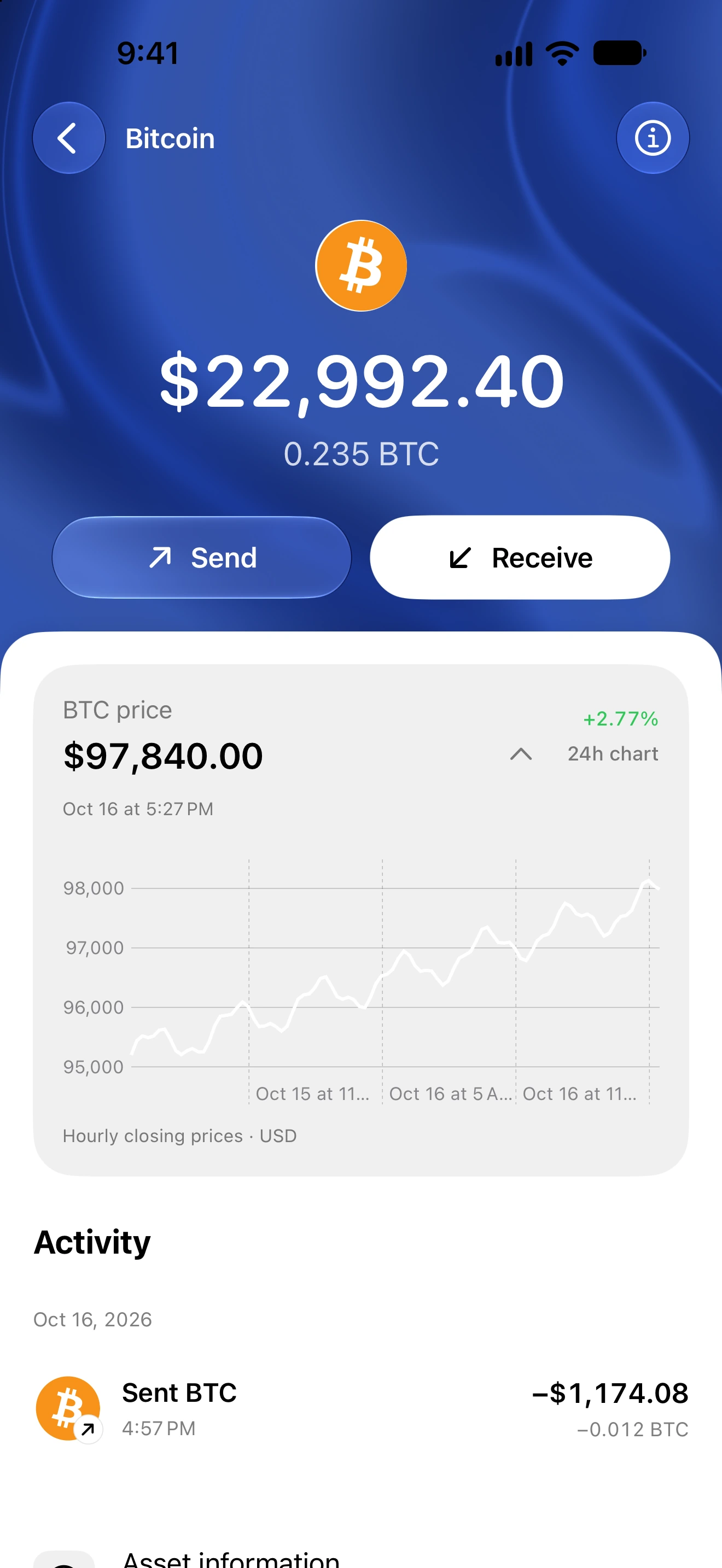
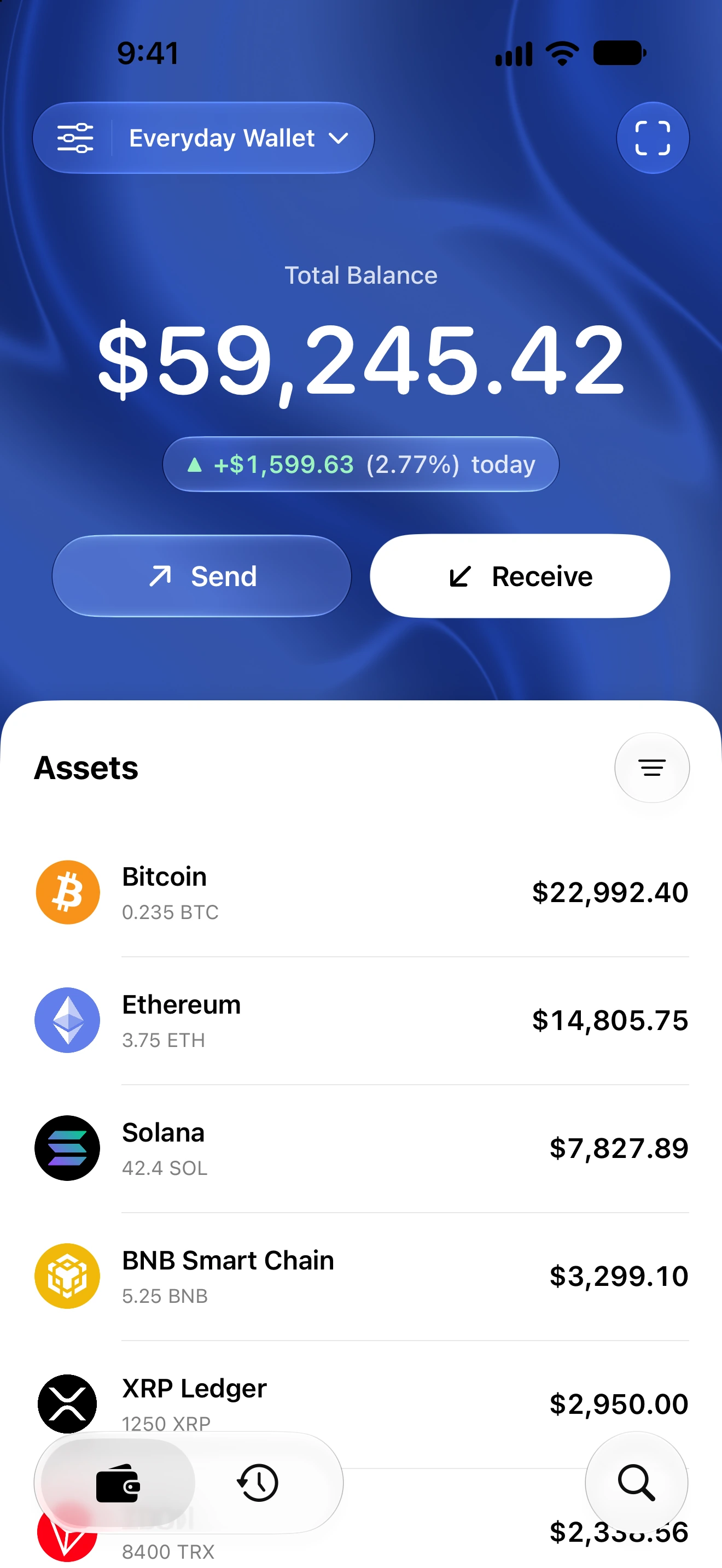
- Open the asset and inspect its token quantity, logo and any available price separately.
- If a price is unavailable, pull to refresh and wait for the price details to finish loading. A missing quote is not a confirmed price of zero.
- Use Asset Information to compare the token identity with a trusted source. Do not match by ticker alone.
- If the same supported token still has inconsistent artwork or prices, report its public contract/mint and network to support.
Logos and quotes come from separate metadata and market-data paths. A token can have a valid logo and on-chain balance without a usable market quote.
Contract-based price lookup uses the exact chain and token reference and can consult multiple providers. Sparse liquidity, unsupported markets, rate limits or outages can still prevent a reliable price.
A quote is an estimate, not a promise that you can sell the entire holding at that price. Never use a logo or a displayed dollar value as evidence of contract safety.
Follow along in Oath
Real app screens with illustrative demo data. No live funds were sent, swapped or revoked for these examples. Never send funds to an example address. Tap an image to inspect it at full size.